Team Prompts
22nd September 2026
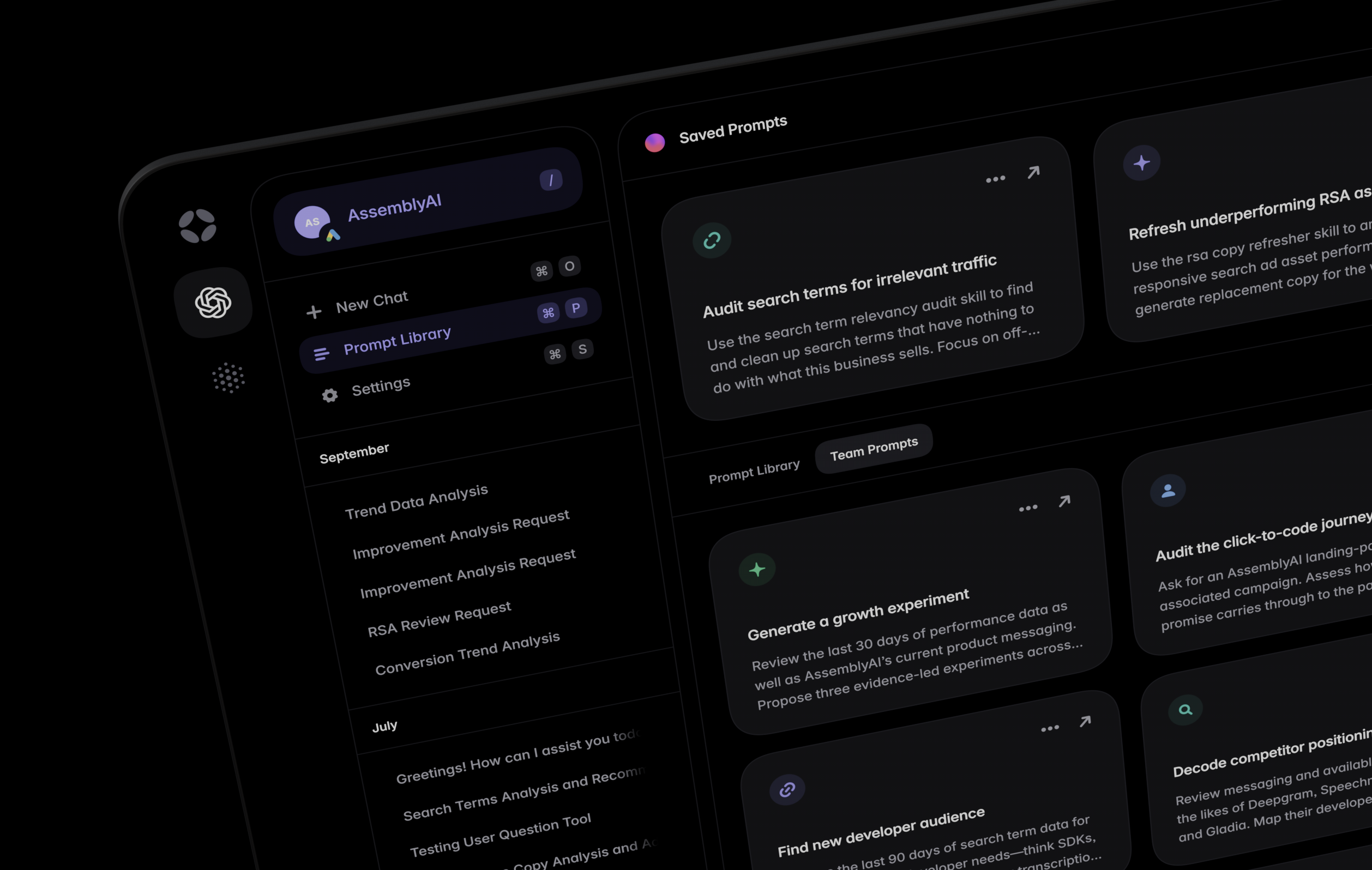
Today we're excited to introduce Team Prompts, a way to share your best prompts with your team. Save a prompt once and it appears in the Team Prompts tab of the Prompt Library for every team member—ready to run at the click of a button.
Each team prompt has its own title, icon, and colour, so your library stays easy to scan as it grows. Click a prompt and Agent starts a new conversation in the account you have open, with no copying or pasting required. Team members can also save a copy of any team prompt to their own Saved Prompts and adapt it as desired—the prompts you use most are ready and waiting whenever you start a new thread.
To get started, open Agent, head to the Prompt Library, and click Create Prompt. You can select a destination for your prompt using the Save to dropdown, selecting Team Prompts as your preferred destination in this case.
Please note—team prompts can only be created, edited, and deleted by Admin level users. In addition, if you'd like your team to land on the Team Prompts tab whenever they visit the Prompt Library, toggle Default to Team Prompts in Team Management.
As always, we'll be working hard to fix any bugs that come up. If you notice anything that looks like a bug, or if you have an idea that could help improve this feature for everyone, please message our support team or submit a feature request.